Routines
Say it once, and it runs like clockwork.
Motes by Orbit
Personal helpers you can text, call and count on. Free and private, on your own computer.
Free for Mac, Windows and Linux.
 Play the launch film
Watch the launch film. 55 seconds, sound on.
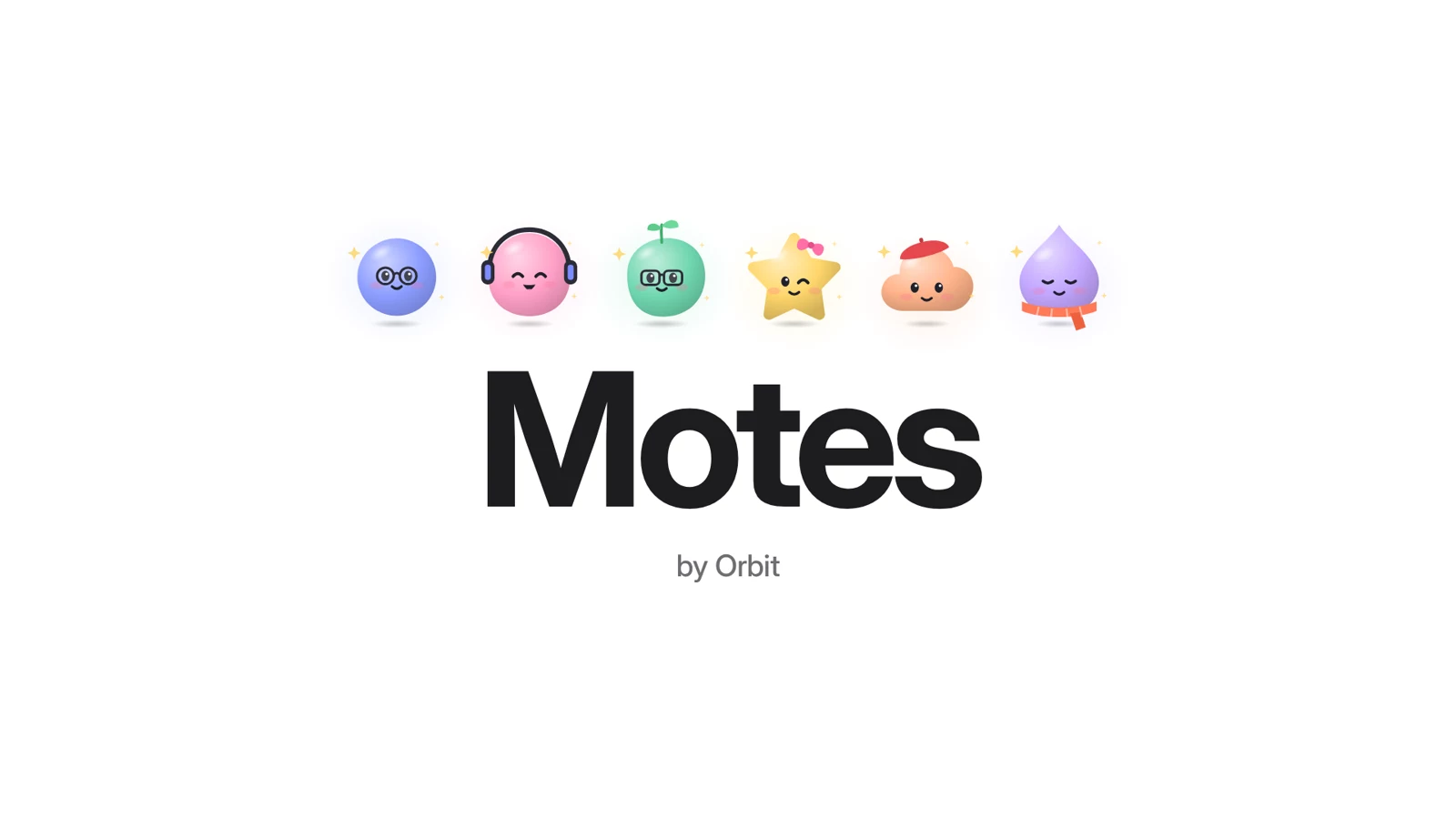
A 55-second animated film with music and no speech. Six motes pop in and show what they do: Nova plans your week, Pip keeps you moving, Sage helps you study, Penny watches your budget and Biscuit handles dinner. Then a chat, a phone call, and the motes at home on a laptop, private and free.
Meet the motes
Each mote has its own name, look and personality, and a job it’s great at.
Gym moved to Thursday, 6 PM.
10,000 steps today. Legend.
Flashcards are ready for tomorrow.
You’re $40 under budget this week.
Lemony spinach frittata tonight?
Your wind-down playlist is ready.
Orb, periwinkle, dots.
Pick a shape, a color, eyes and glasses. Even a beret.
Chat
Like texting a friend who actually gets things done.
Give a thumbs up, and your mote reacts right back.
Quote what you mean, and it knows exactly what you’re talking about.
Notifications for reminders, finished work and questions only you can answer.
Today 5:42 PM
Dinner idea? I have eggs, spinach and a lemon.
Lemony spinach frittata. 20 minutes, one pan.
Want feta on your list?
BiscuitWant feta on your list?
Yes please! And chocolate.
Added both. I’ll remind you at 6:30.
Calls
Each mote has its own voice. After you hang up, it remembers the call and gets going on anything it promised.
Your voice stays on your computer.
Call with Sage
4 min · Today 6:10 PM
Sage Round two on French verbs? You aced round one.
You Go on then. Start with the tricky ones.
Sage Être, avoir, aller. Ready?
I saved the three verbs you missed. Quiz on Thursday?
Fast or Think
Replies come right away. For plans and tricky questions, switch to Think and your mote works it through first.
Rain tomorrow?
Light rain after 3 PM. Take an umbrella if you’re out late.
Plan my Saturday. Gym, groceries, and dinner with Sam at 7.
Thinking it through…
The gym is quietest before 10. The store is on the way home. Dinner is at 7 and the drive takes 25 minutes, so leaving at 6:30 works.
Gym at 9 while it’s quiet, groceries on the way home, and the afternoon is yours. I’ll remind you to leave at 6:30.
Each mote remembers your choice. Calls always stay fast.
Always on
Big asks become projects that run in the background while you carry on. Your mote reports back when they’re done, and asks before anything important.
Say it once, and it runs like clockwork.
Right on time, as a friendly nudge.
It has its own browser, and digs in while you do other things.
Before it sends, buys or deletes anything. You make the rules.
Private and free
Your motes think with a brain that runs right on your computer. Your chats never leave it, and there’s nothing to pay.
It runs through Ollama, a free app. Motes walks you through getting it, then downloads the right brain for you.
Your conversations, and everything your motes remember, stay on your computer.
The app is free, and so is the brain. No subscription, and no fees per message.
Motes picks the one that fits your computer, and you can switch any time. Smaller brains are quicker. Bigger ones are smarter.
Download sizes. You only need one.
Coming soon
An app for iPhone and Android is on its way. It syncs with your account, so your motes are never far away.
Motes is free for Mac, Windows and Linux.
macOS 12 or later. One app for Apple silicon and Intel.
Windows 10 or 11, 64-bit.
x64, as an AppImage.
8 GB of memory recommended. Older computers can use a smaller brain.
Motes is new, and it isn’t signed with paid certificates yet. So the first time you open it, your computer asks you to confirm.
Open Motes. If macOS says it can’t verify the app, open System Settings, go to Privacy & Security, scroll down and click Open Anyway. Then confirm.
If a blue SmartScreen window appears, click More info, then Run anyway.
Make the AppImage executable: right-click it, choose Properties and turn on Allow executing (or run chmod +x on it). Then open it.
Yes. The app is free, and so is the brain your motes think with. There’s no subscription and nothing to pay per message.
Nowhere. Your chats, your calls and everything your motes remember stay on your computer, and the brain runs there too.
The one exception is the optional Claude boost (see below). If you turn it on for a mote, that mote can send its work to Claude.
A Mac with macOS 12 or later (Apple silicon or Intel), a PC with Windows 10 or 11 (64-bit), or a Linux PC (x64).
We recommend 8 GB of memory. Older computers can use a smaller brain, which is simpler but quick. The brain needs some free space too: from 1 GB for Tiny to 16 GB for Powerful.
Ollama is a free app that runs your motes’ brain on your own computer. It’s what lets Motes work without sending your chats anywhere.
You don’t have to set it up yourself. Motes walks you through getting it, then downloads the brain that suits your computer.
Motes is new, and it isn’t signed with paid certificates yet, so your computer asks you to confirm the first time. You only do this once.
chmod +x), then open it.Yes, if you like. With your own Claude key, a mote can get a boost from Claude for bigger jobs, within a monthly budget you set. Everything else stays on your computer.
It’s coming soon, for iPhone and Android. It syncs with your account, so your motes can come along wherever you go.
As many as you like. Each one gets its own chat, look, personality and job.
Your download is on its way.